Snake Tales
Snake Tales: a story of one snake across eleven places, an endless mode with generated boards, and a classic pixel screen. No account, works offline.
Version 0.3 · <1 MB · Updated Oct 25, 2026
About the game
A snake grows by eating, and the edges wrap around, so the danger is the tail, not the frame.
Eleven places make the story: a terrarium, a room, a kitchen, a sewer and further on. Each has its own geometry, obstacles and light. Beyond the story there is an endless mode with generated boards and three difficulties, plus a Classic screen in pixel colours.
Snake Tales is part of Pawcore Arcade: it opens in the launcher without installing anything, keeps the best score for every place on this device, and works without a network. A run in progress is saved.
What’s inside
Eleven places
From a terrarium to a sewer: each place has its own board, obstacles and light.
Endless mode
Generated boards on three difficulties. Every run is a new layout, checked to be passable.
Classic screen
A pixel snake, a plus-shaped apple and a gold block with a timer — the old rules in today's colours.
A record for every place
Best score per place and per difficulty, kept in the browser on this device.
Controls
- Arrow keys, WASD
- Turn the snake
- Swipe
- Turn on a touchscreen
- Space or P
- Pause the run
- Esc
- Back to the menu
Questions about the game
More arcade games
- LiveLogicClassic
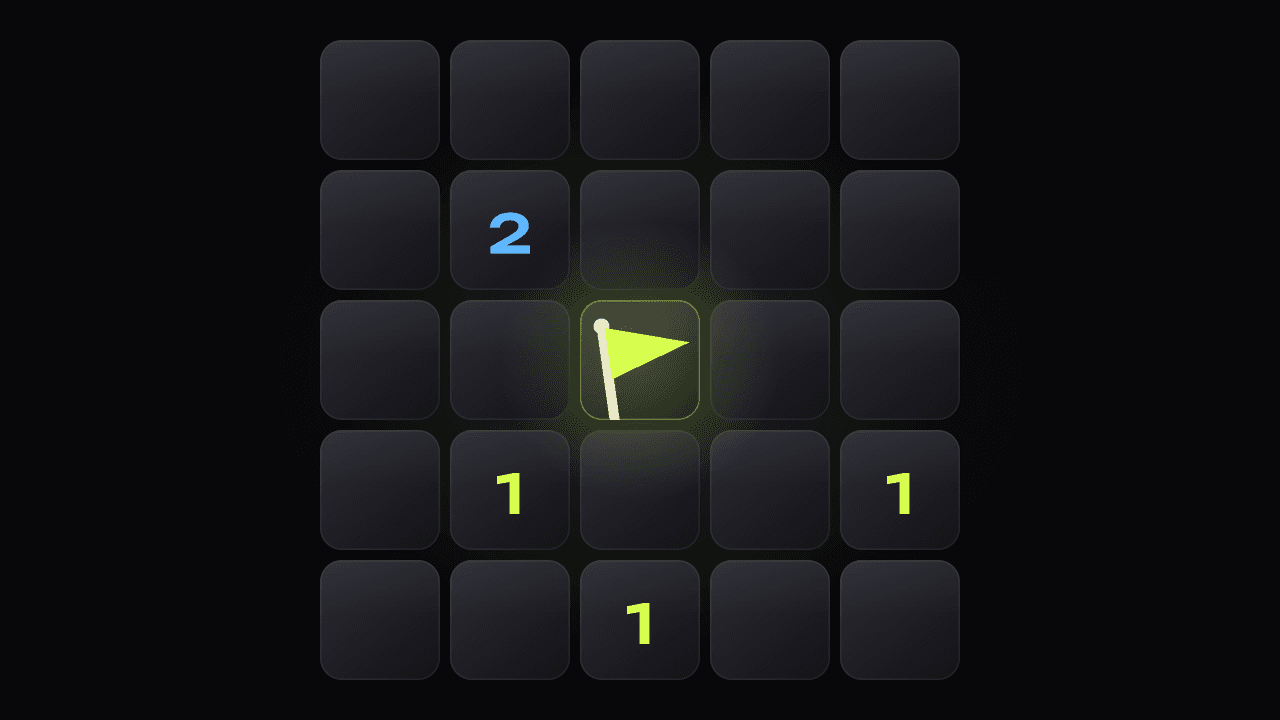
Mine Field
Minesweeper: three preset fields, a timer, flags, and a best time for every field size. No account, works offline.
Playv0.5.0 · 1.1 MB
Install the app, the games are already inside
Pawcore Arcade is one app for every browser game. A new game shows up in the catalog without reinstalling anything.
Android · iOS · Windows · macOS
Open pawcore.pro/arcade in a browser, on your phone or your computer.
Tap “Install”. On iPhone and iPad: “Share” → “Add to Home Screen”.
Open it from the home screen: the games work offline and the records stay on the device.
On iPhone and iPad installation goes through Safari: “Share” → “Add to Home Screen”. Chrome for iOS has no such item.